

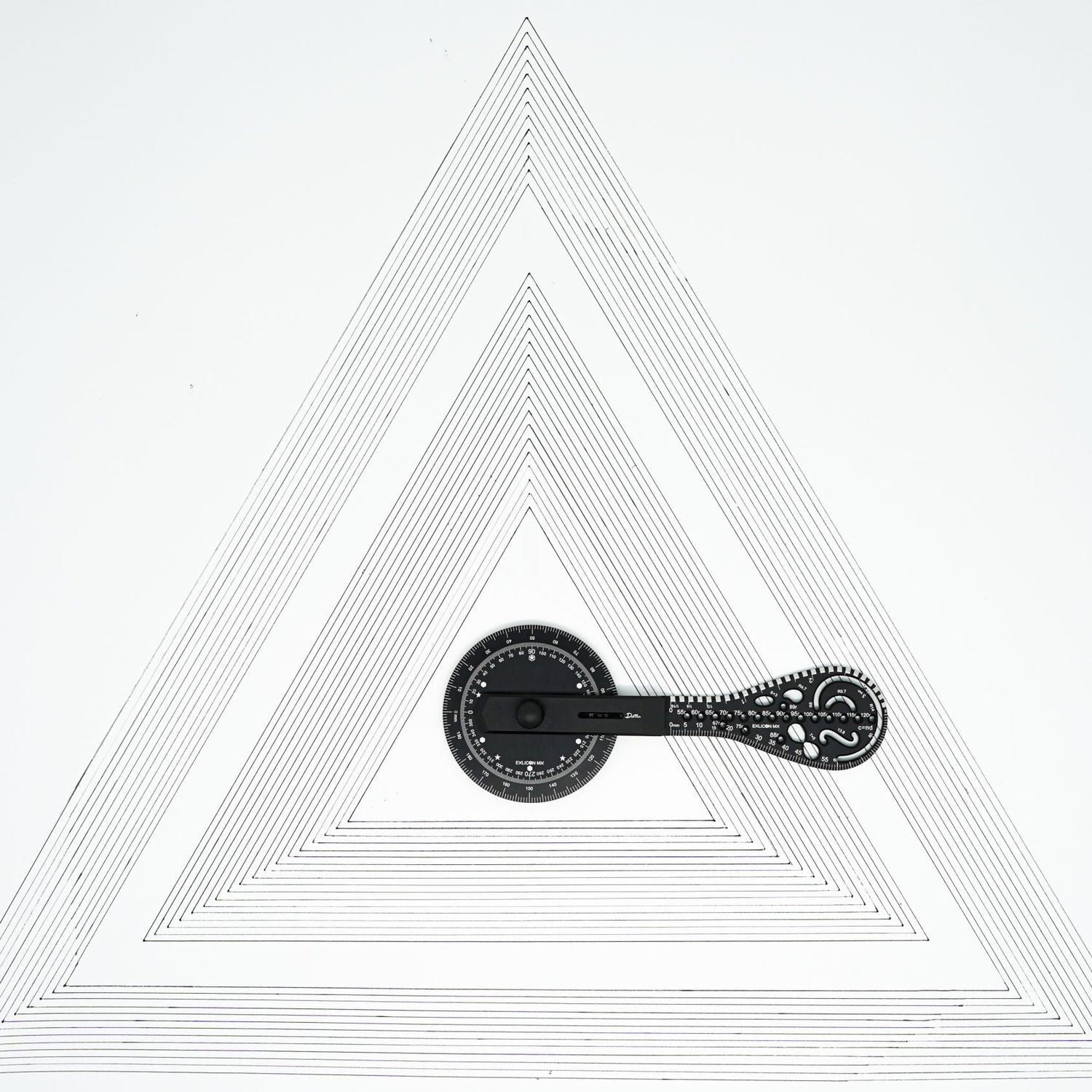






Product Details
Exlicon MX – A drawing tool without boundaries
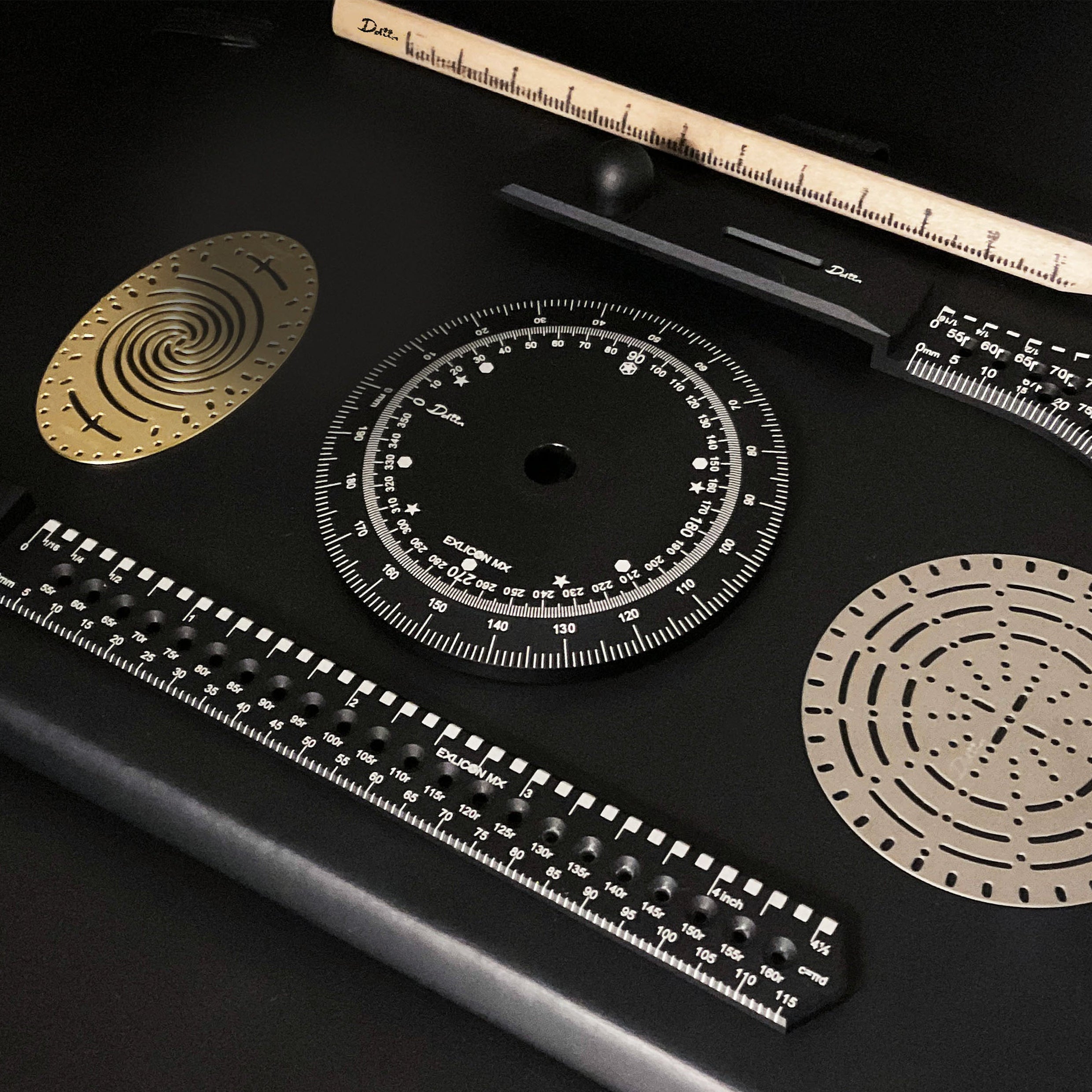
Ruler, compass, protractor, golden ratio tool
Conventional compasses will perforate the paper with the needle and are not safe for children.
It does not have a sharp point, and its high stability ensures it does not move around while drawing multi-shapes.
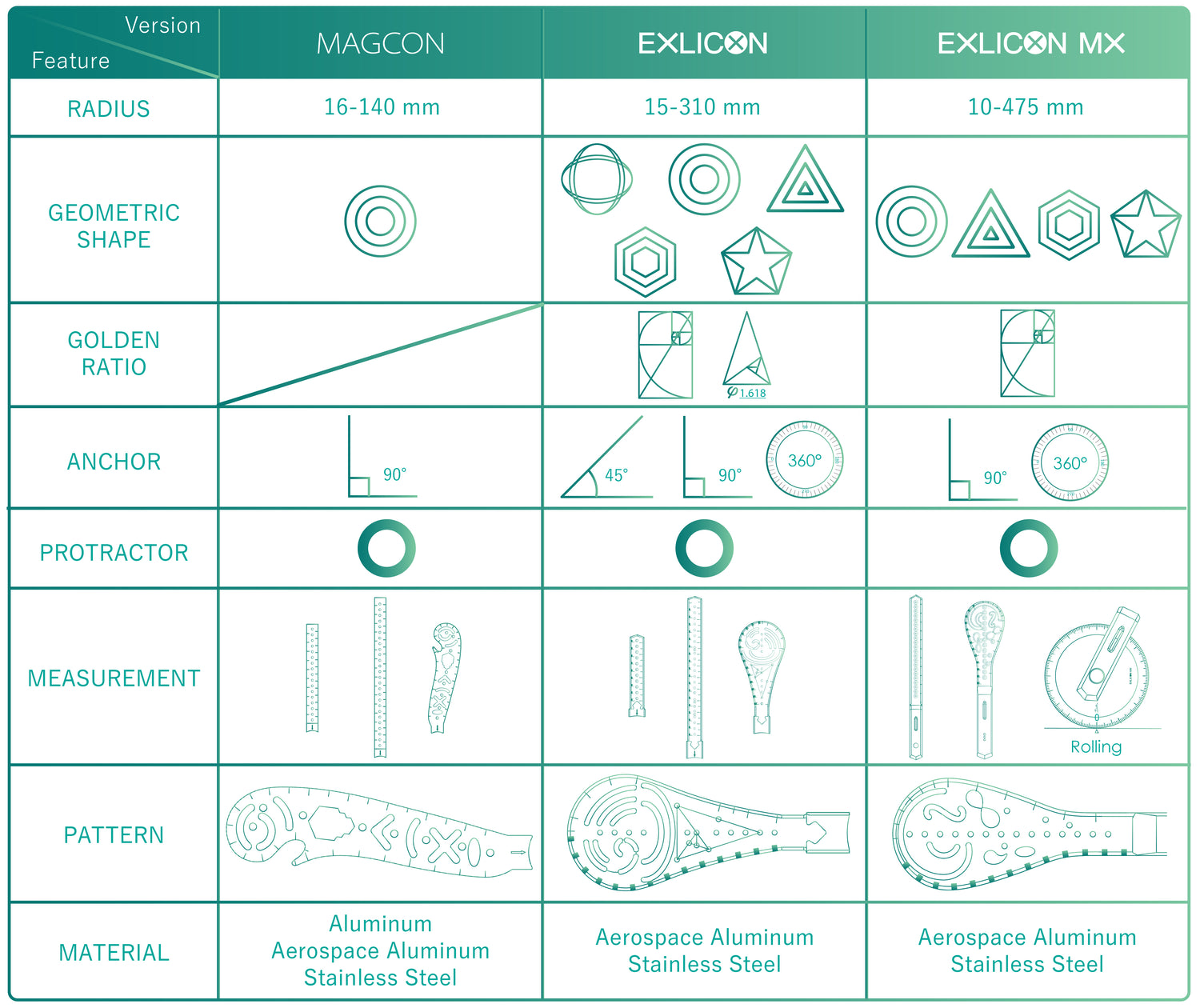
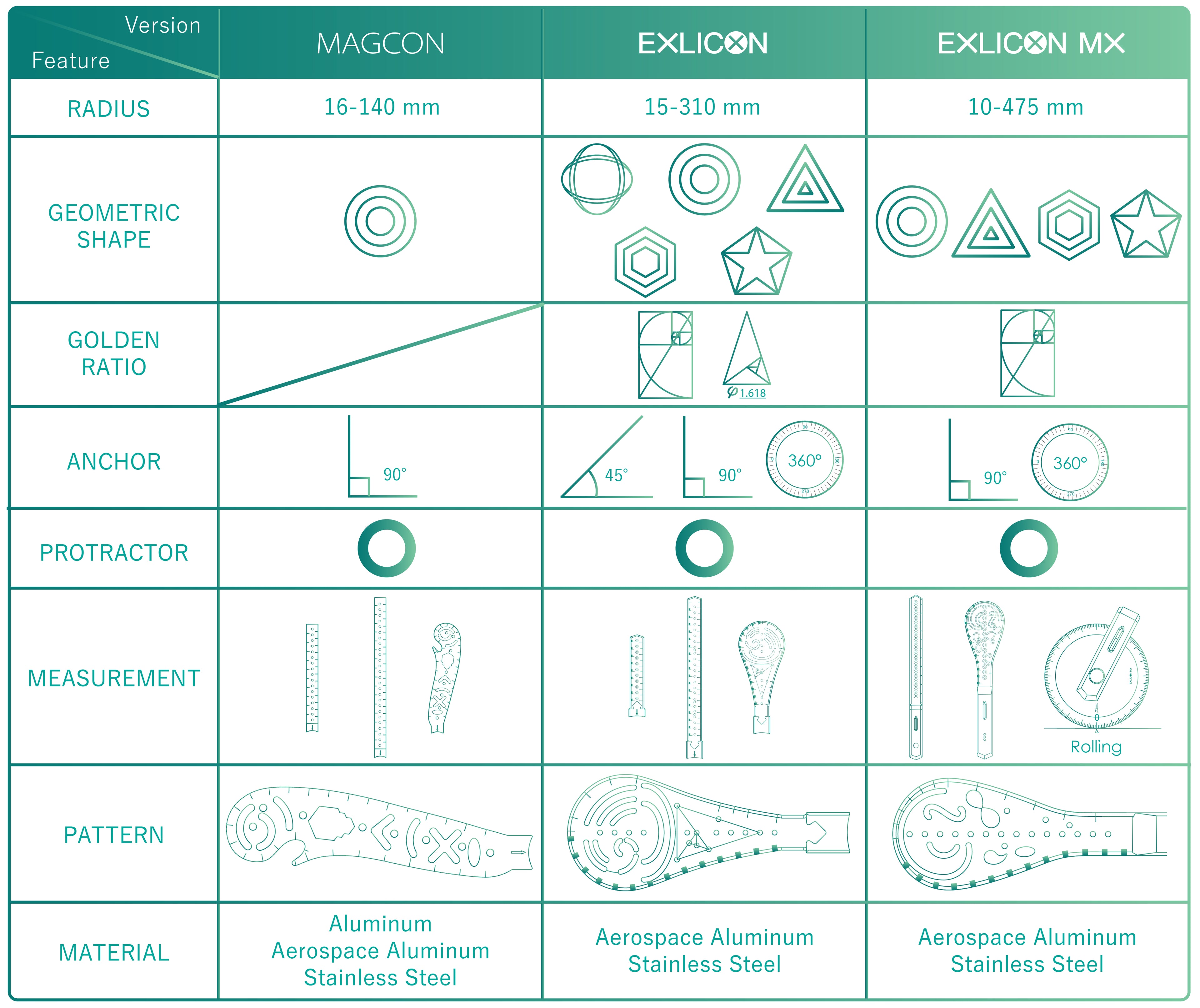
It solves the problem of having a limited radius by allowing infinitely extendable rulers. From 10mm up to 475 mm in radius on an A0 paper. The magnetic design connects the wings and base to create multiple shapes with over 100 sizes, from 10mm to 475mm in diameter.
Exlicon MX is funded on Kickstarter and Indiegogo.
Click 'Here' to get more details on Kickstarter.
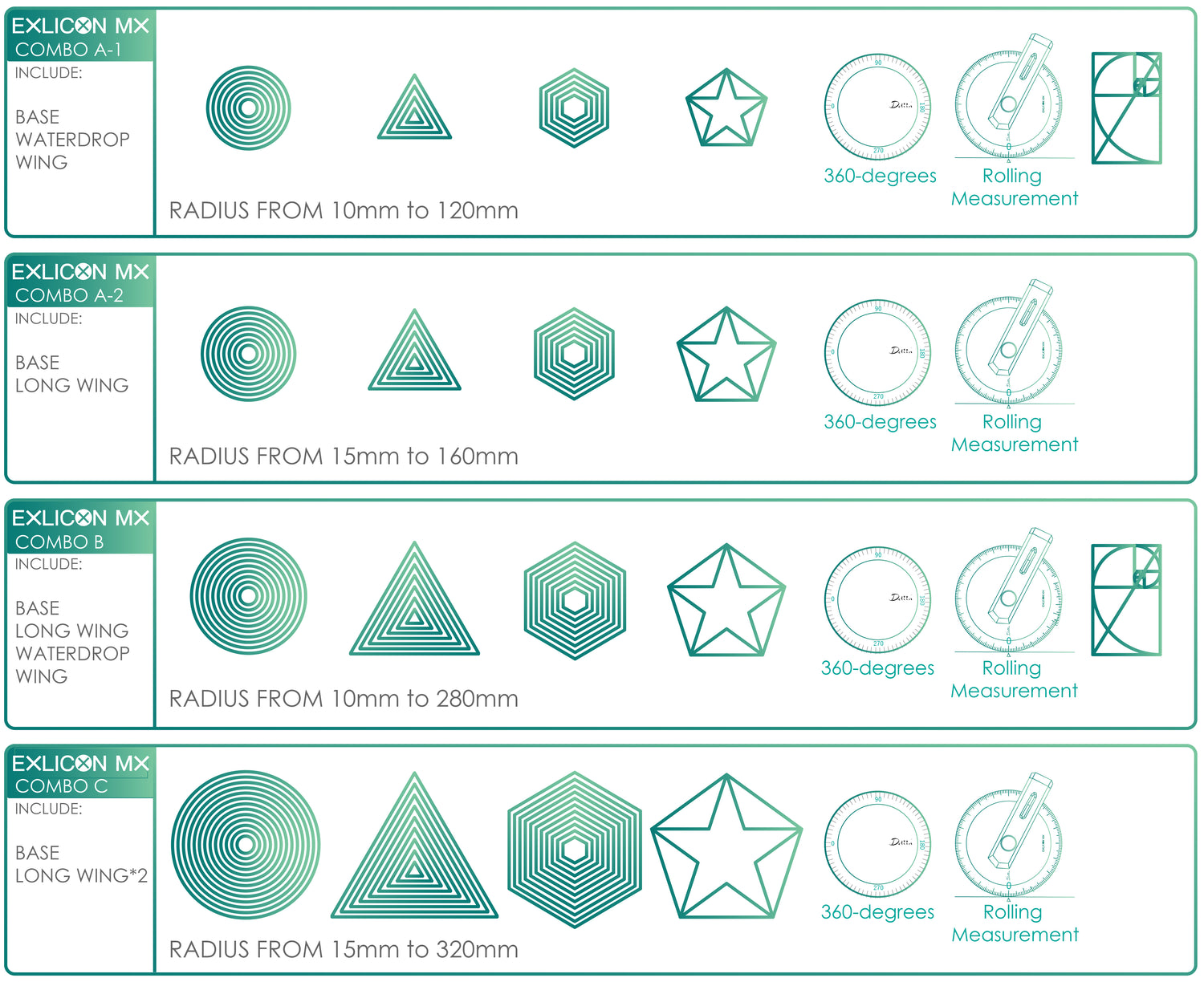
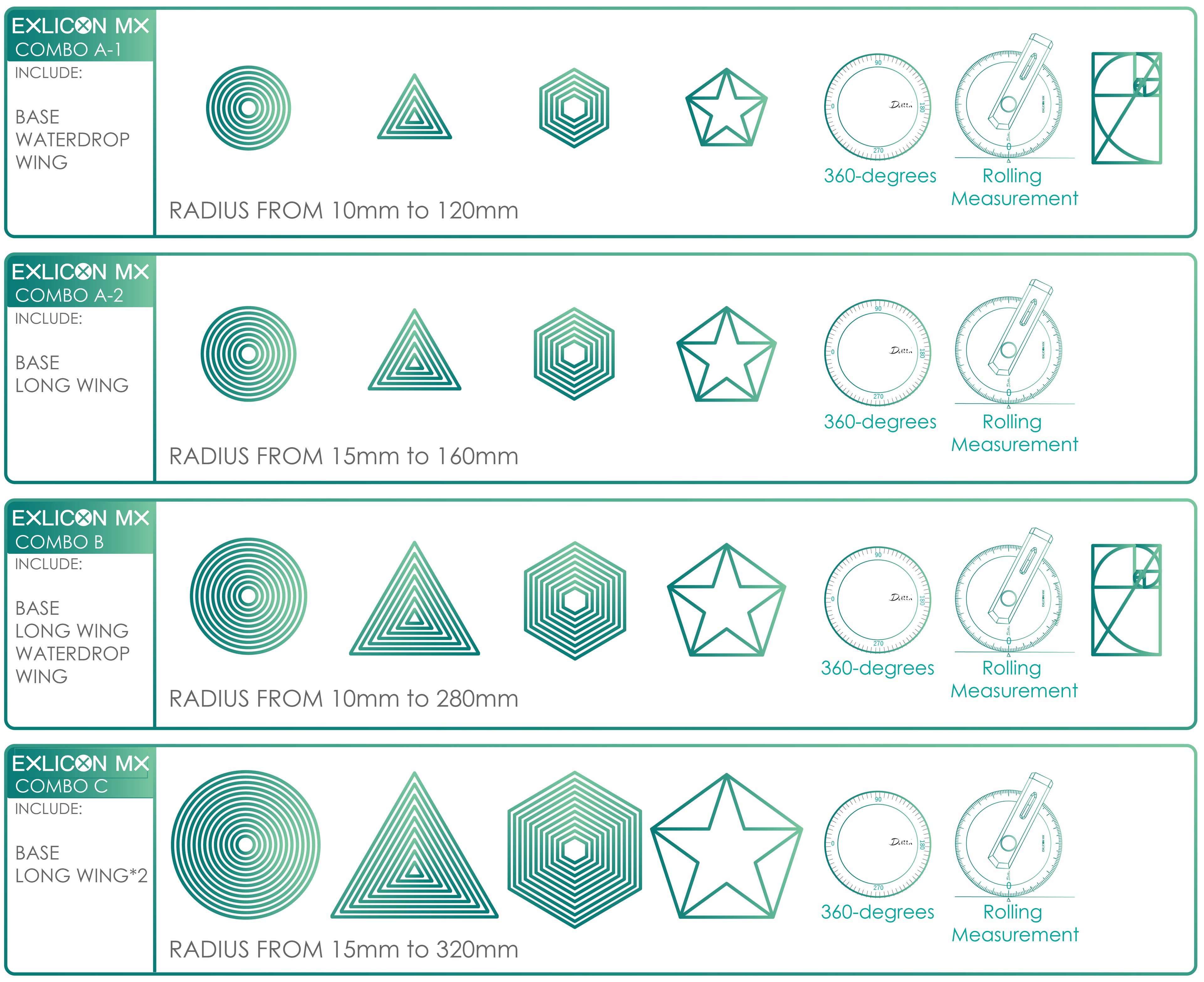
Aerospace Aluminium Combo B
INCLUDES:
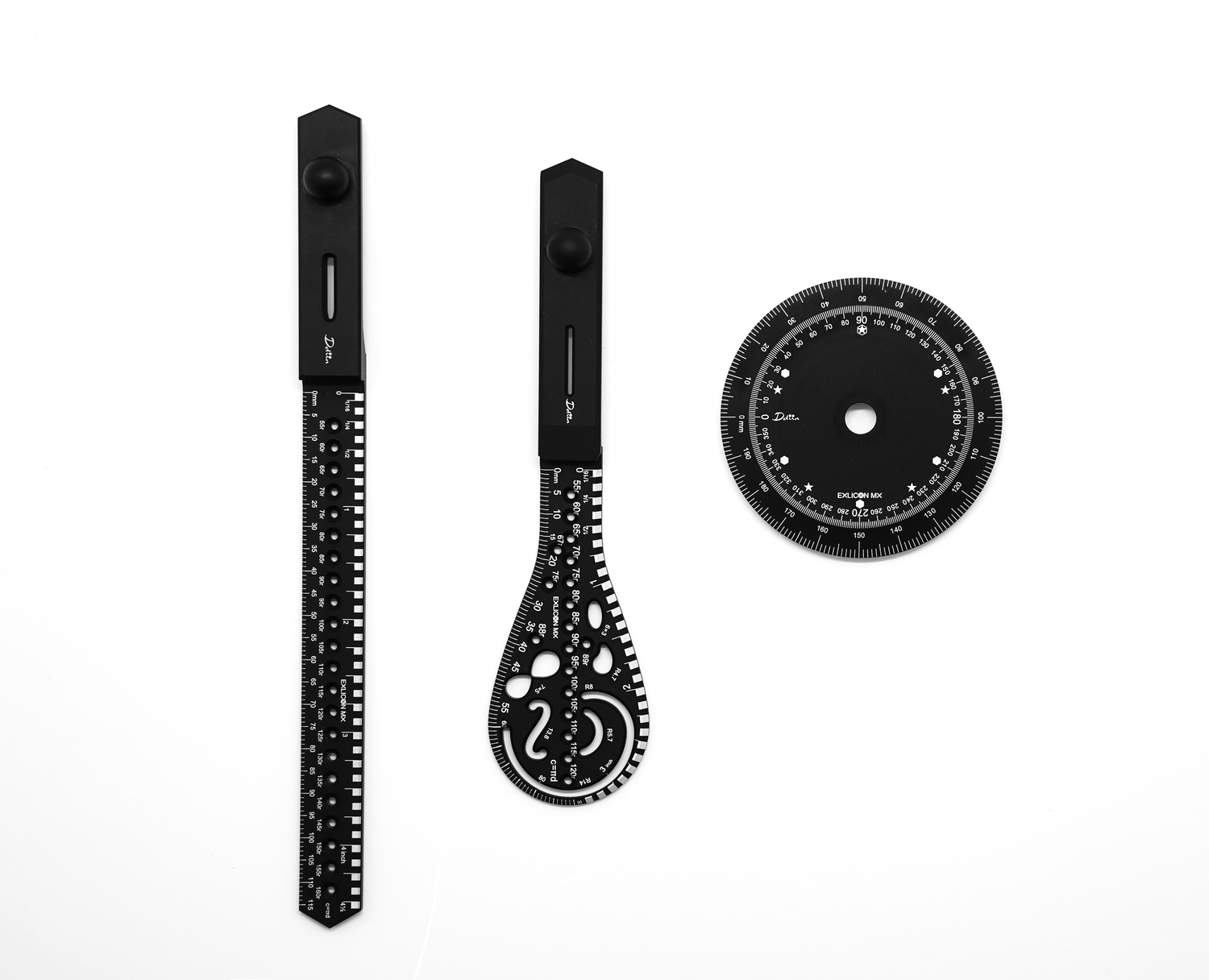
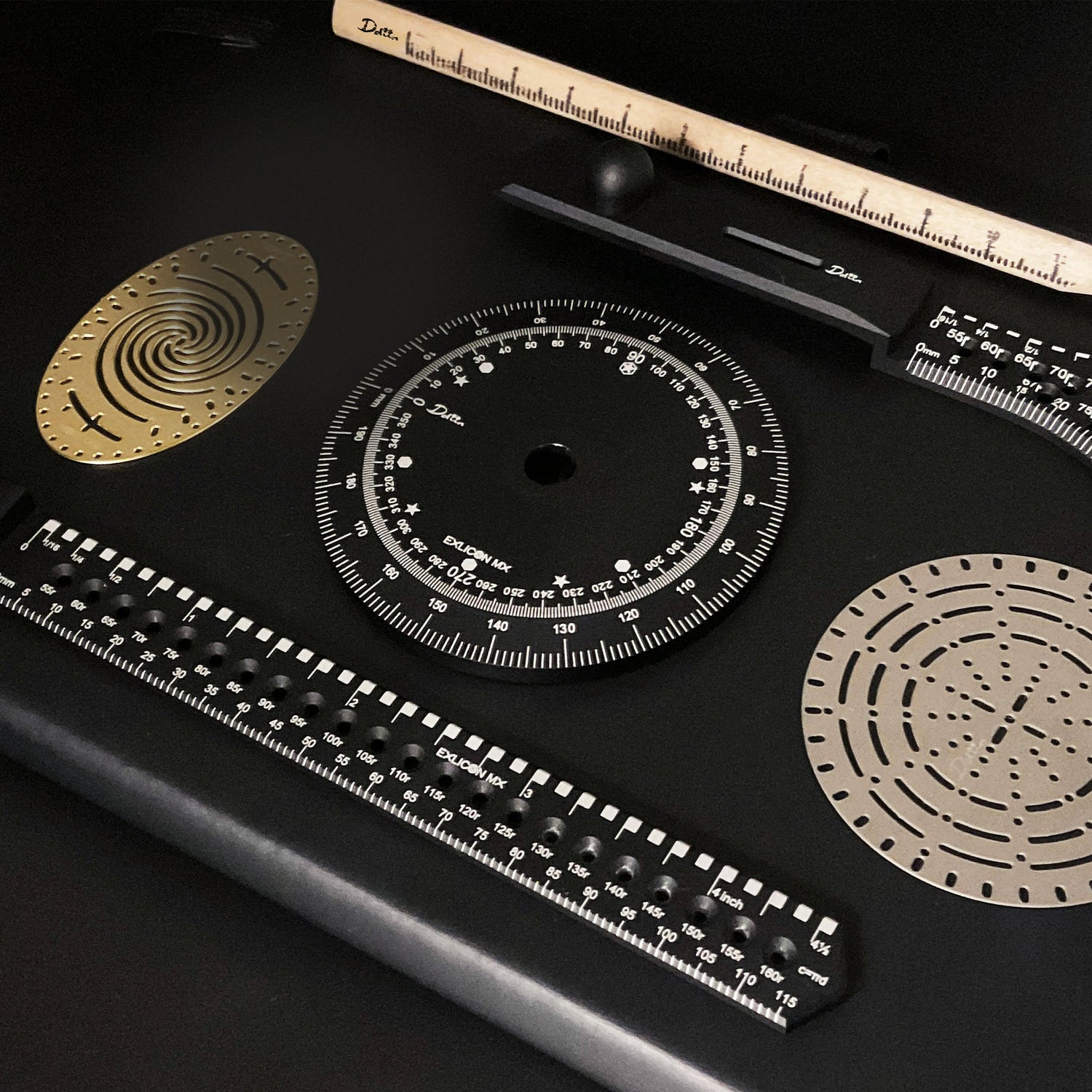
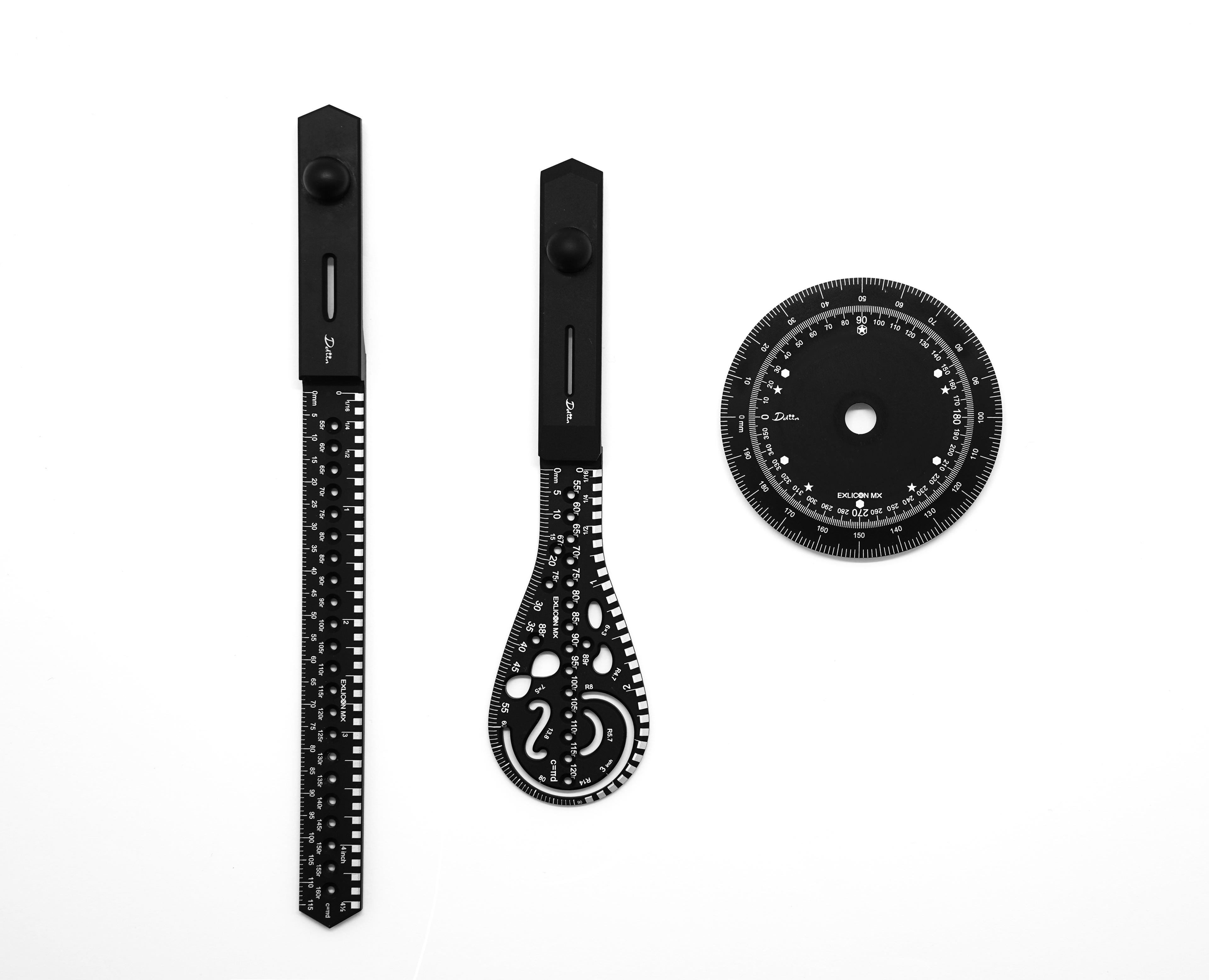
- AEROSPACE ALUMINIUM LONG WING
- AEROSPACE ALUMINIUM WATERDROP WING
- AEROSPACE ALUMINIUM BASE
- Instruction manual in paper & QR code for softcopy
- 2pcs of adhesives for replacement

Introducing the Exlicon MX, a multi-functional drawing tool able to draw a huge range of shapes, with diameters as small as 10mm (0.4 inch) or as large as 634mm (24.9 inches), the Exlicon MX allows you to unleash your creativity without restriction.

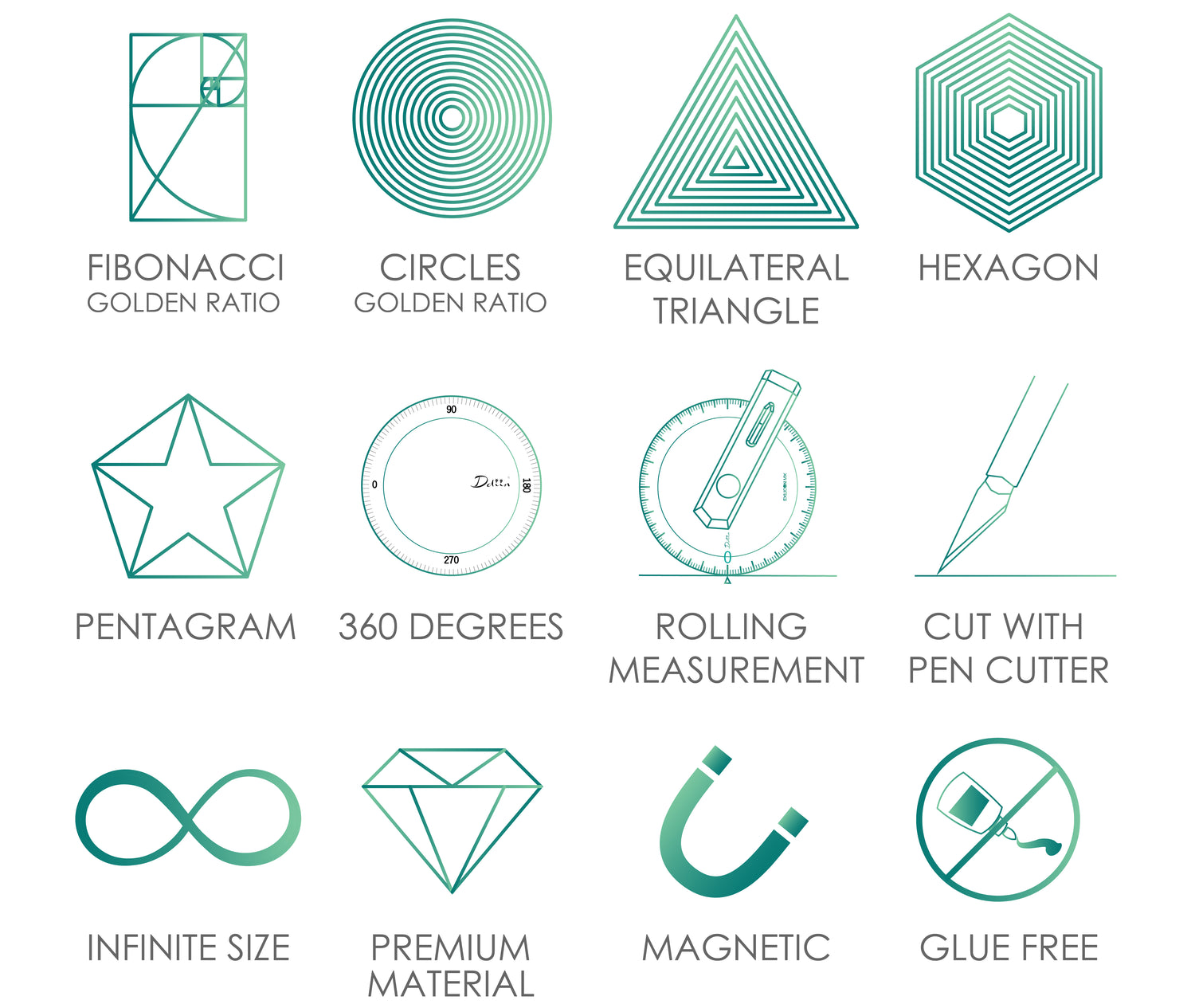
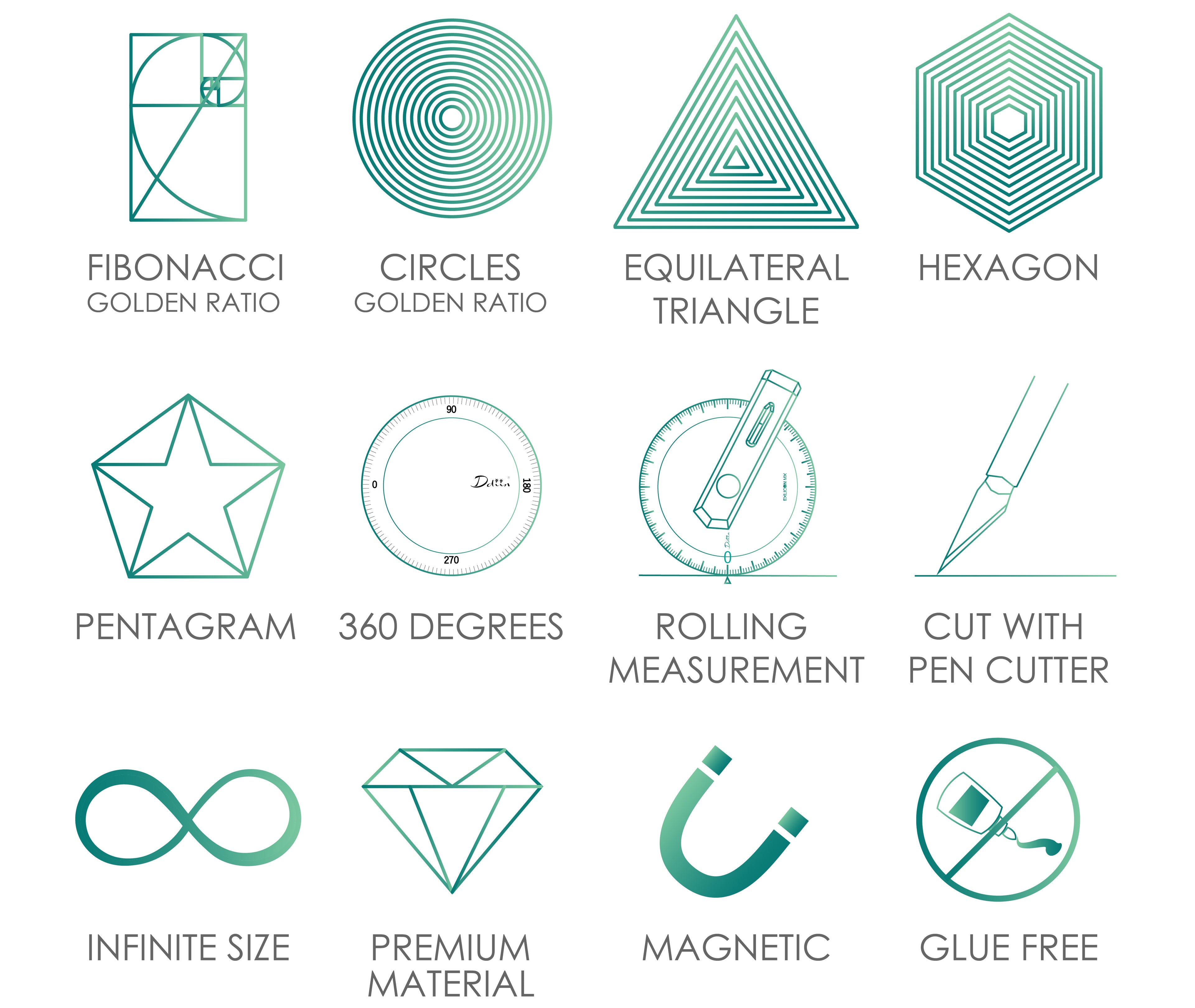
Before we go into detail, here are the key features that make the Exlicon MX so special:
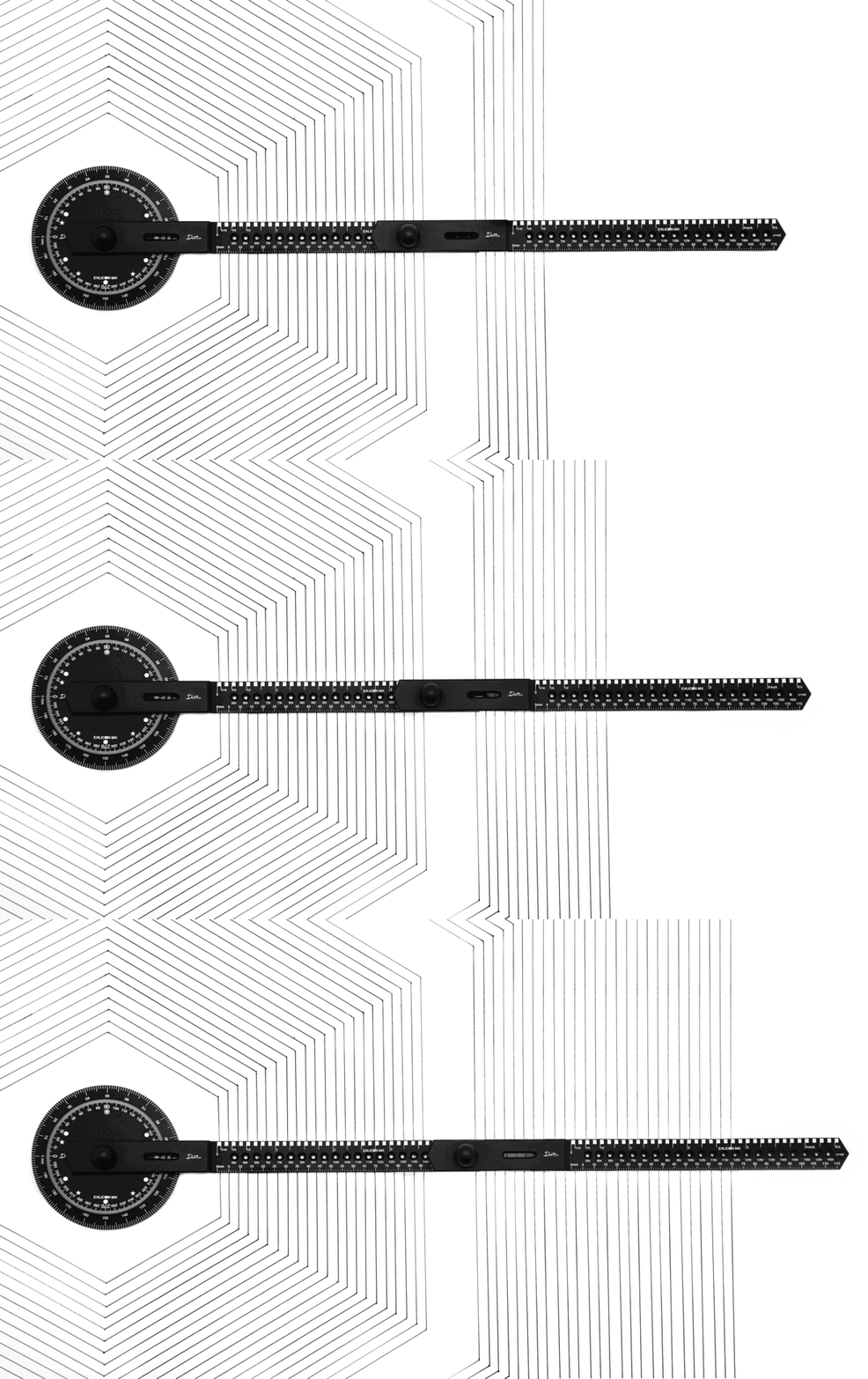
- The ability to draw complex patterns and shapes (including – but not limited to – hexagons, pentagrams, curves and spirals)
- Extendable rulers that allow you to draw huge geometries
- It’s made from super-strong materials (stainless steel and aerospace aluminium)
- Rolling measurement for any surfaces

The Exlicon MX eliminates this common problem for you, with reusable nano stickers that can be attached to the aluminium or stainless steel base. With the help of the attachable magnetic ruler, you can draw circles as small or as large as you want (up to 634mm (24.9 inches) in diameter) (A0 size).

Thanks to the Exlicon MX ruler’s complex design, you can easily draw a myriad of shapes and patterns including hexagons, pentagrams, equilateral triangles, circles, curves and spirals, making the Exlicon MX a much-needed staple to anybody’s stationary collection.


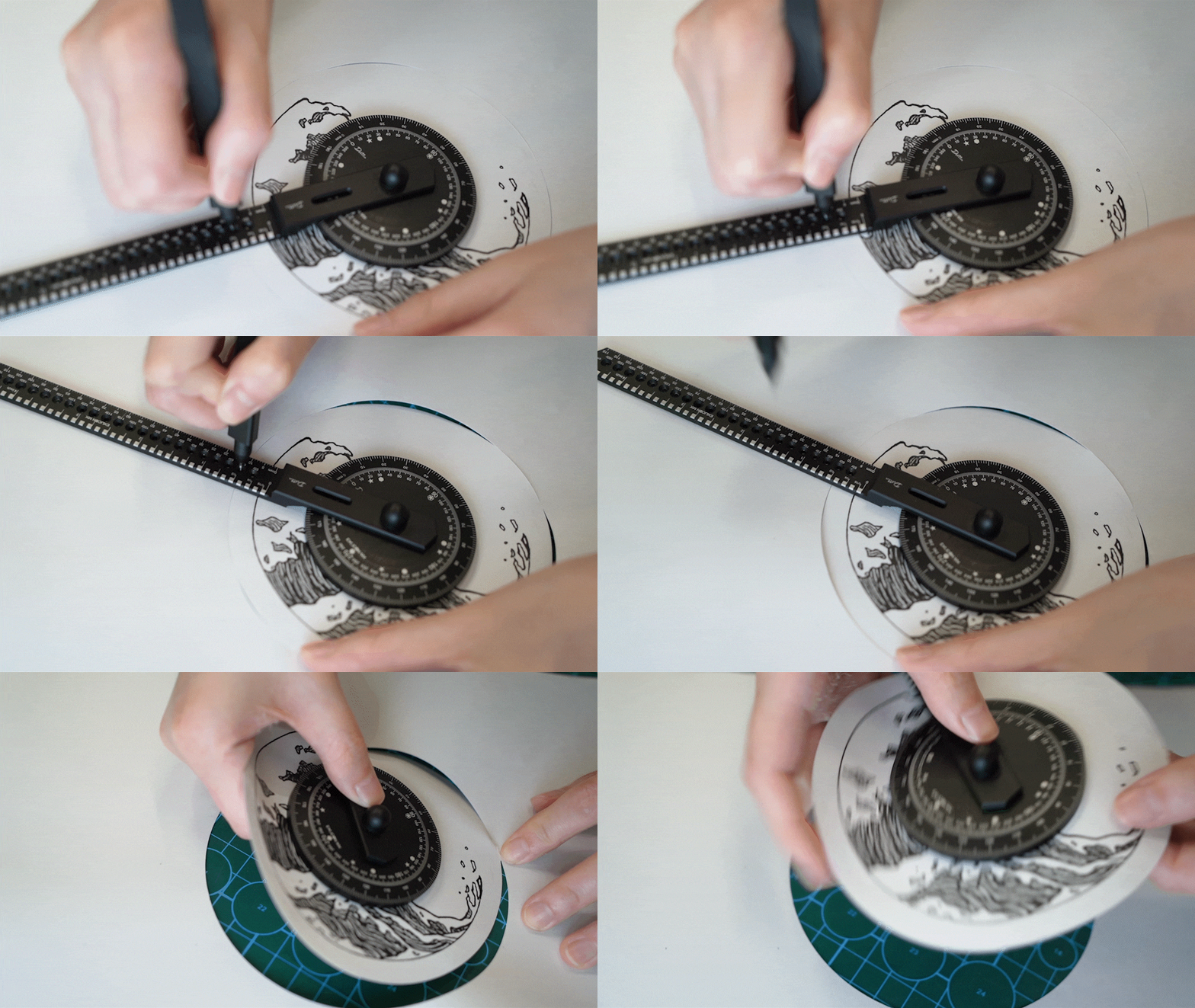
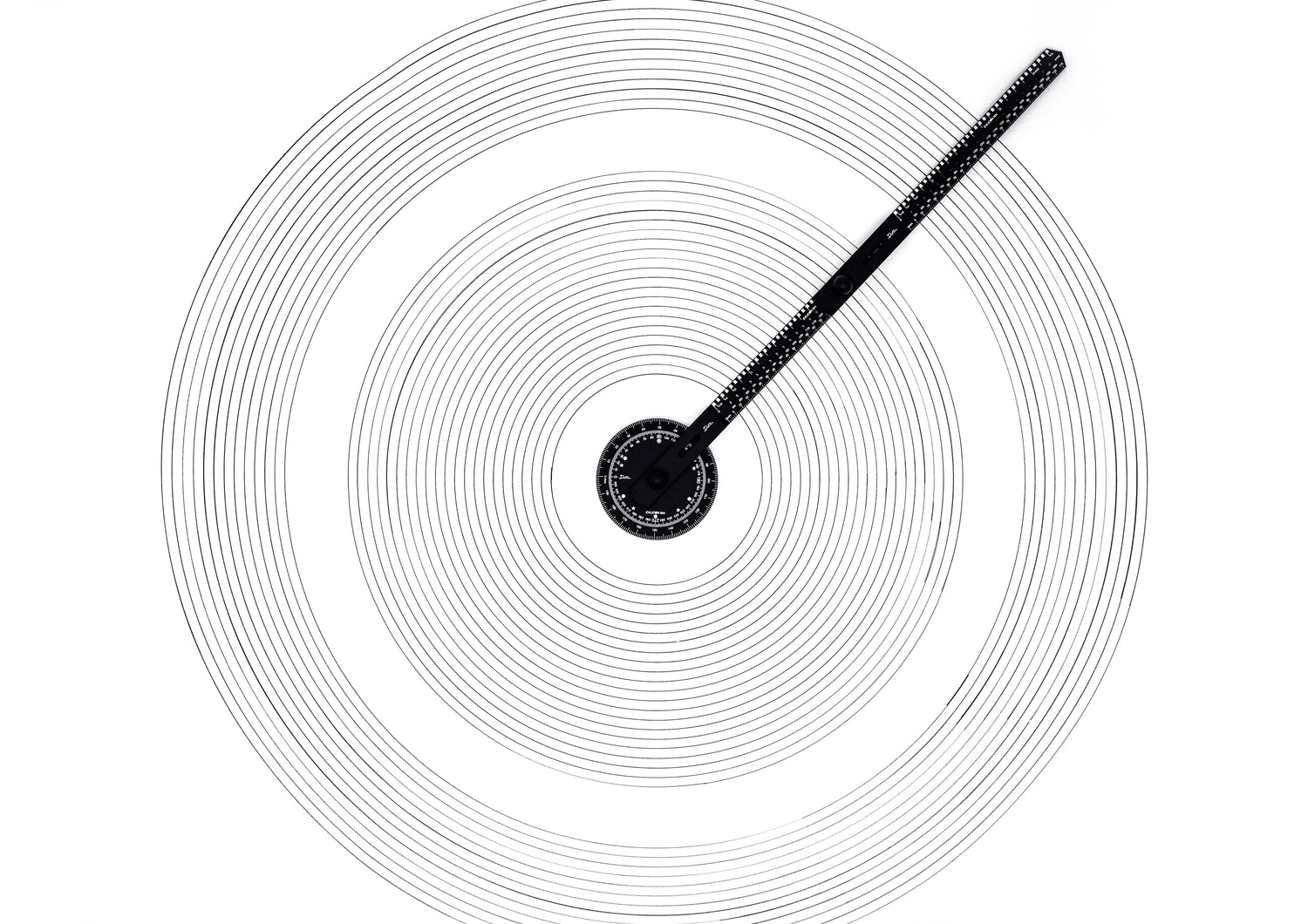
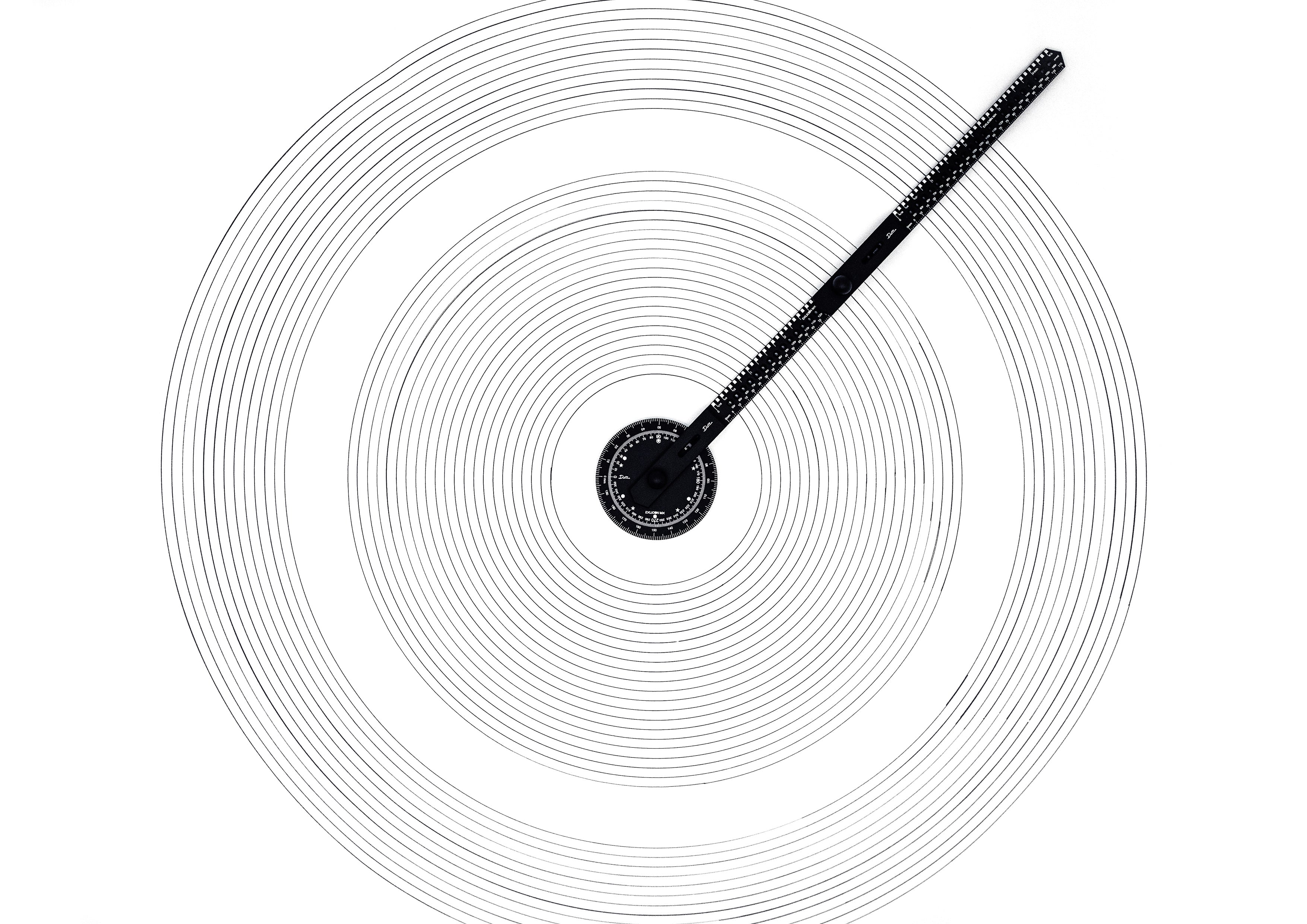
Drawing flawless circles has never been easier with the Exlicon MX – and with the new MX cutter you can cut perfect circles, too.
With the complete Exlicon MX set – including the three additional wings – you can draw circles of up to 634mm* (24.9 inches) in diameter or more (A0 size).
*For more details, please check the FAQ.


Unlike a compass, this drawing tool for artists and creative professionals, can do so without perforating – and damaging – your paper, tarnishing your designs.

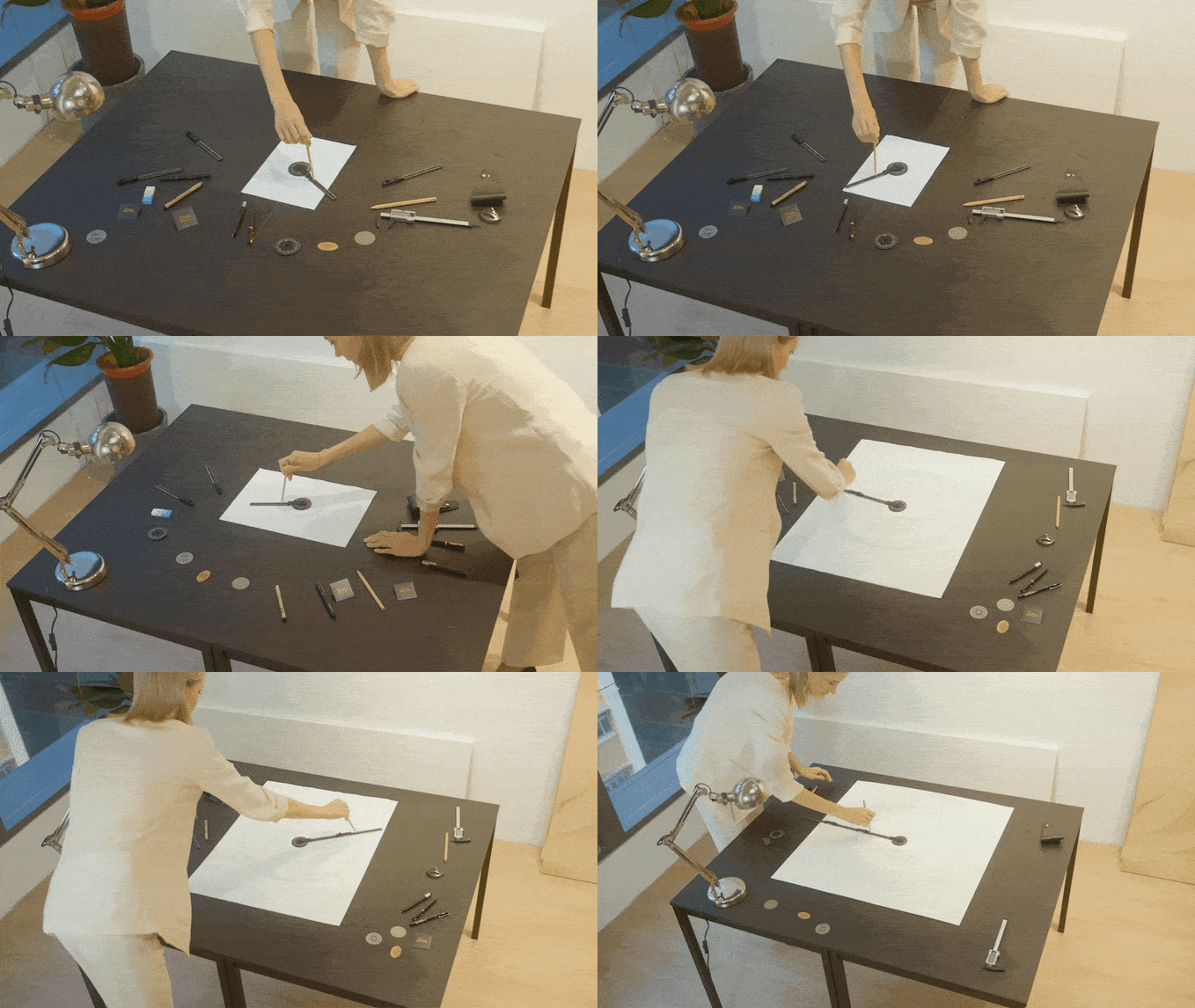
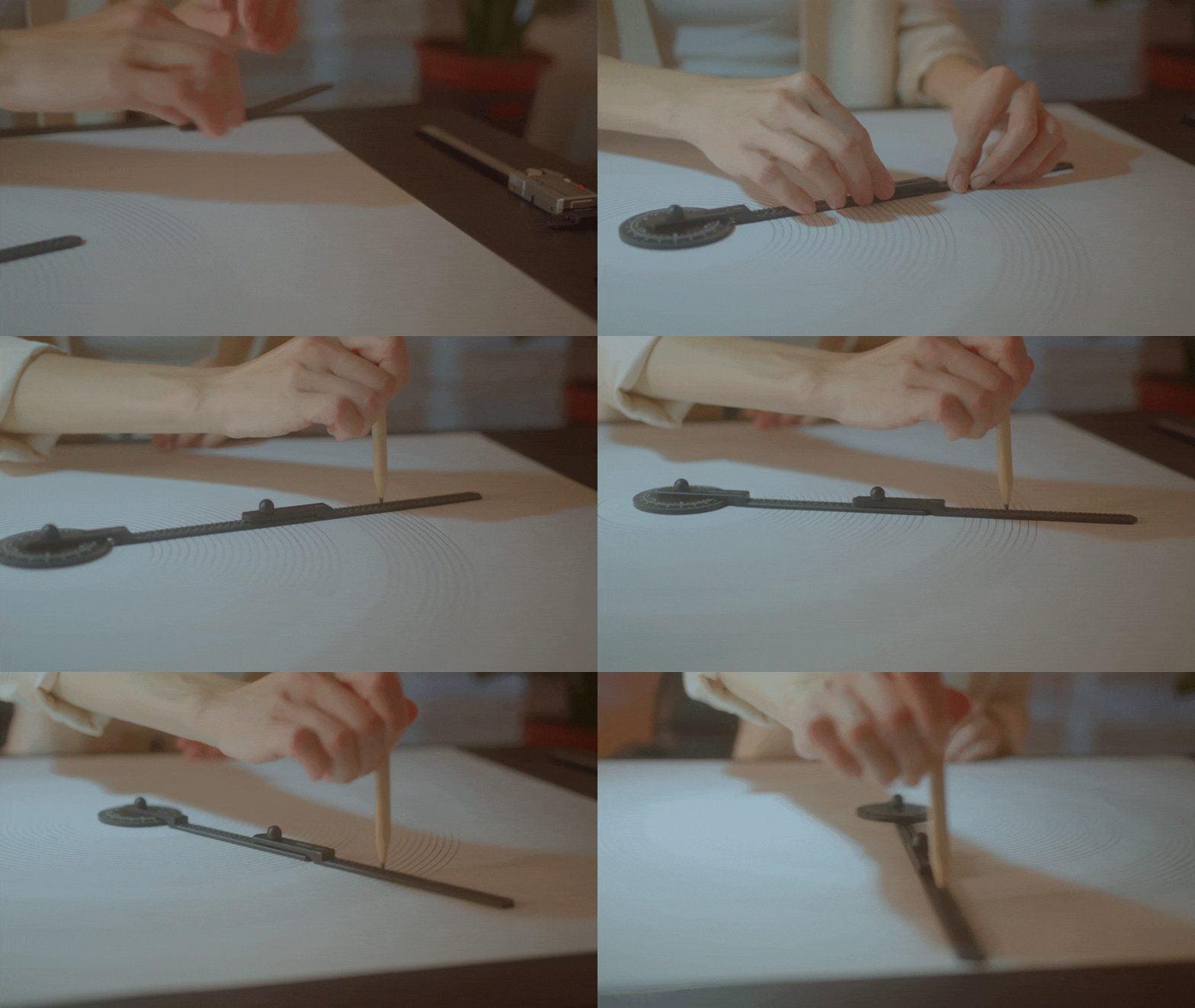
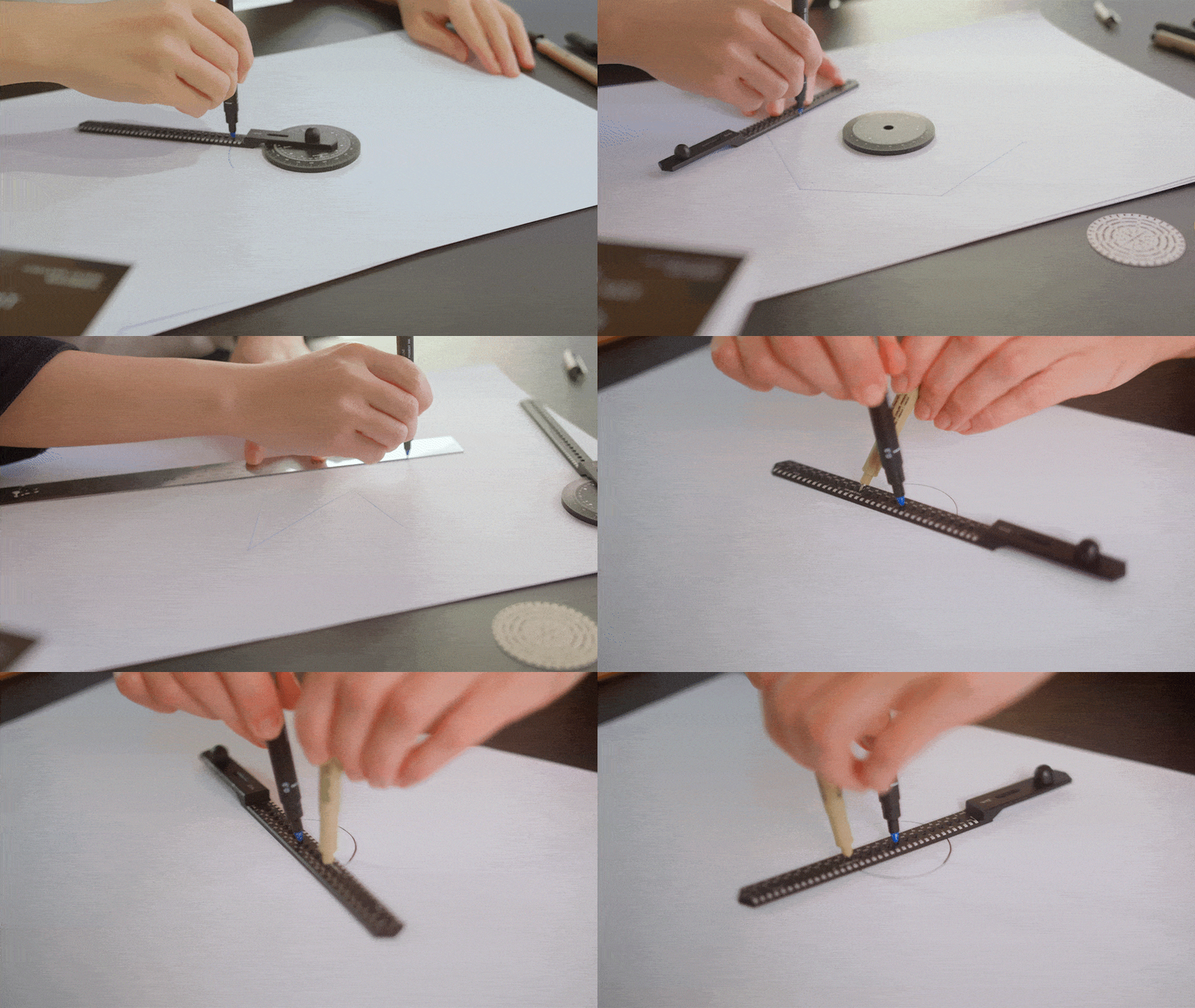
To draw a circle with the Exlicon MX, mark where you want the centre of your circle to be with a cross. Then, place the base on top with the cross visible through the base piece.
Next, attach the ruler to the base – or multiple rulers if you’re opting to draw a larger shape – and use your pen to draw the circle you want.

With the Exlicon MX ruler and the help of two items of stationary – either pens or pencils – you can draw high-precision circles with diameters as tiny as 10mm. To cut, simply swap out your stationary for the MX cutter.


The stars marked on the base of the Exlicon MX make drawing shapes such as hexagons and pentagons easier than ever before.
You can modify the Exlicon MX according to your needs. With 3 additional wings, you can draw shapes with a diameter as small as 10mm to 634mm (24.9 inches) in diameter (A0 size paper).


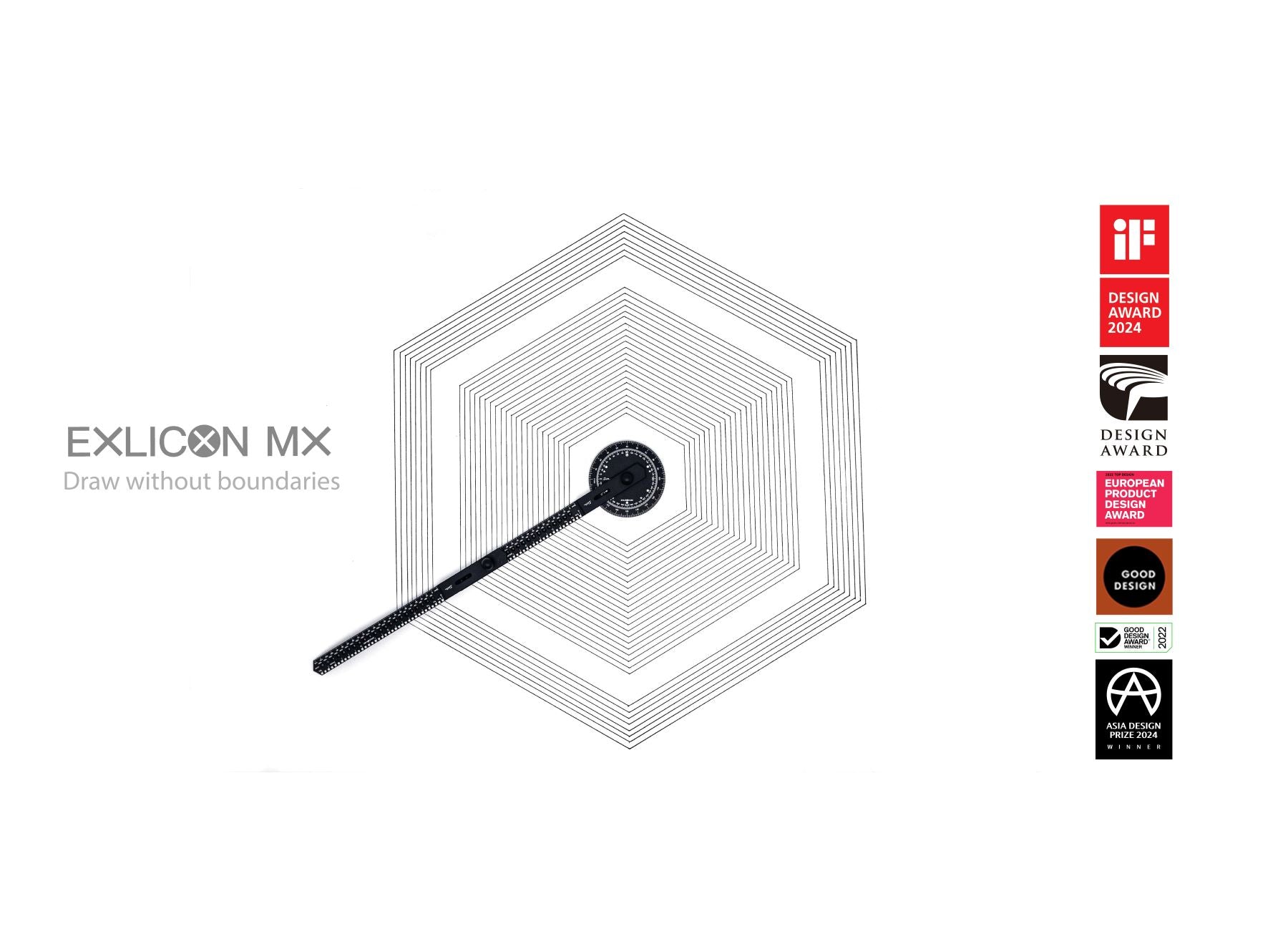
Hexagons are composed of six equilateral triangles.
Using this knowledge, the design team behind Exlicon MX engraved the base piece with 6 markings to allow you to mark the six corners of the vertices of your hexagon.
To begin drawing a Hexagon with the Exlicon MX, simply attach and adjust the ruler so that it points at the hexagon mark on the base piece. After marking the vertices and connecting the dots, you’ll have drawn a flawless hexagon.


To easily draw a pentagon with the Exlicon MX, attach and adjust the ruler so it points to the pentagon mark on the base piece.
Next, mark the five vertices and connect the adjacent dots – in the same way you would connect them to draw a hexagon – and you’ll have created a perfect pentagon.


Using the same mark as you would draw a pentagon, you can draw a pentagram, otherwise called a star.
Like drawing a pentagon, you need to mark the five corners of the shape with your stationary. However, instead of connecting the adjacent dots, you need to connect each dot to the two dots furthest away from it (a.k.a. the two dots that aren’t adjacent) to create a stunning pentagram.


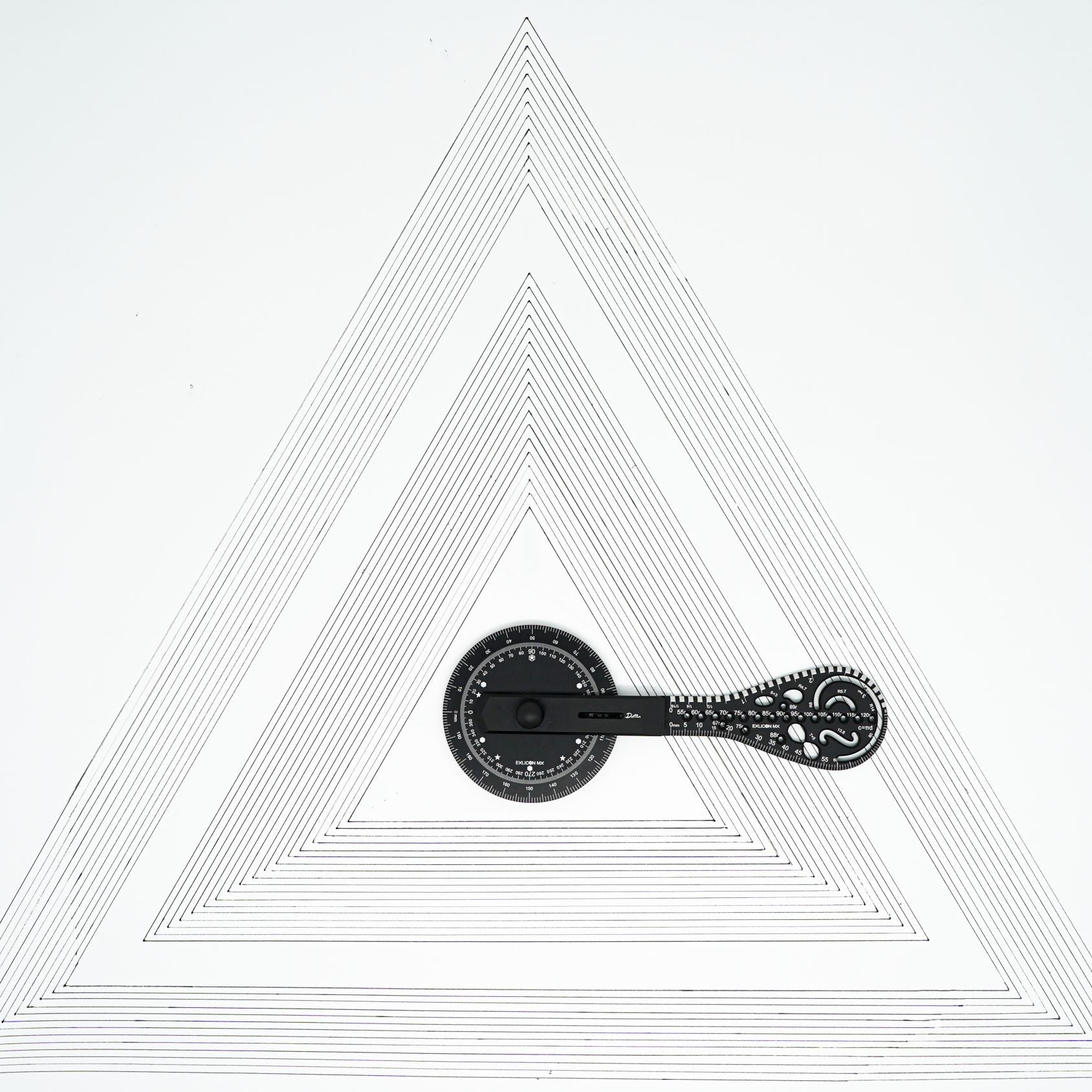
Drawing an equilateral triangle with the Exlicon MX is a very similar process to creating a hexagon – but even easier.
Just choose 3 marks 120 degrees apart – a.k.a. every other mark used when drawing a hexagon – and attach and align your ruler with the marks.
Use a pen to mark the vertices, which you can later connect to create your triangle.


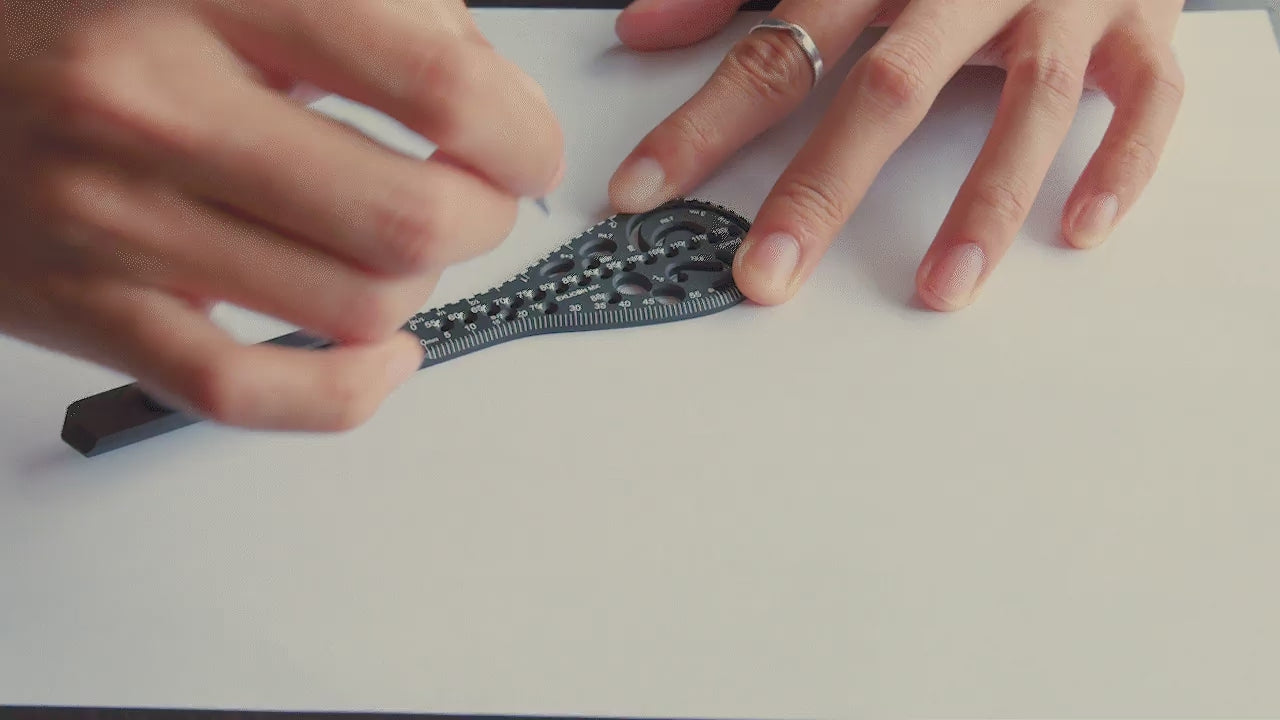
Perfect for creating stunning mandalas and artworks, the Exlicon MX waterdrop wing allows you to unleash your creativity and create exquisite shapes with its numerous inbuilt stencils, which you can fill in with whatever item of stationary you choose – including pens, pencils or even paintbrushes.


With the Exlicon MX, you can use the extendable rulers to draw large shapes – there’s no limit to what you can create.
The design of the new Exlicon MX allows extendable rulers to be attached to the base, meaning there’s no limit to the size of circles (or any other shape) you can draw.
Here’s a glance at the Exlicon MX’s range of features.


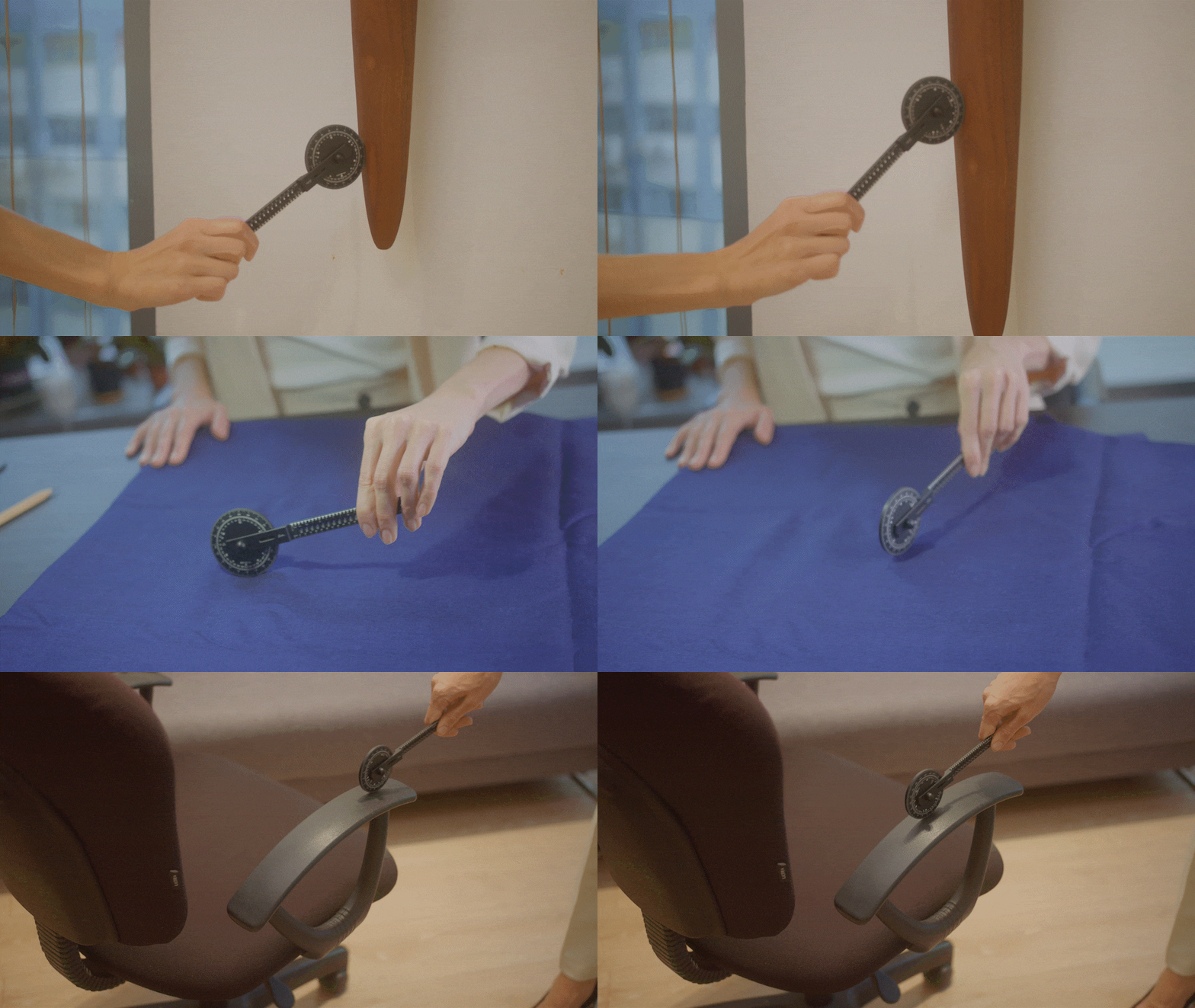
Do you often find yourself wishing that there was an easy, accurate way to measure the length of curved surfaces or lines?
If so, then look no further than the Exlicon MX, since its base doubles up as a miniature measuring wheel.
Thanks to this capability – and a vast number of others – the Exlicon MX is an indispensable design tool for designers, beginners, artists and architects.
To start measuring, place the base close to both sides of the corner of whatever you’re measuring.

After taking your measurement, add 31.8mm – the radius of the base – to this value, to accurately ascertain the length of your chosen surface.
When the measured distance is longer than 200mm, count the number of times the base has rotated completely and multiply that number by 200mm. Then, add the remaining distance measured by the base to gain an accurate measurement for the length measured.

As an example, let’s say you started measuring from a corner and the length of whatever you’re measuring corresponded to two complete rolls of the Exlicon MX base, plus another 138mm.
In this case, the overall distance measured would be 569.8mm (31.8 + (200*2) + 138).


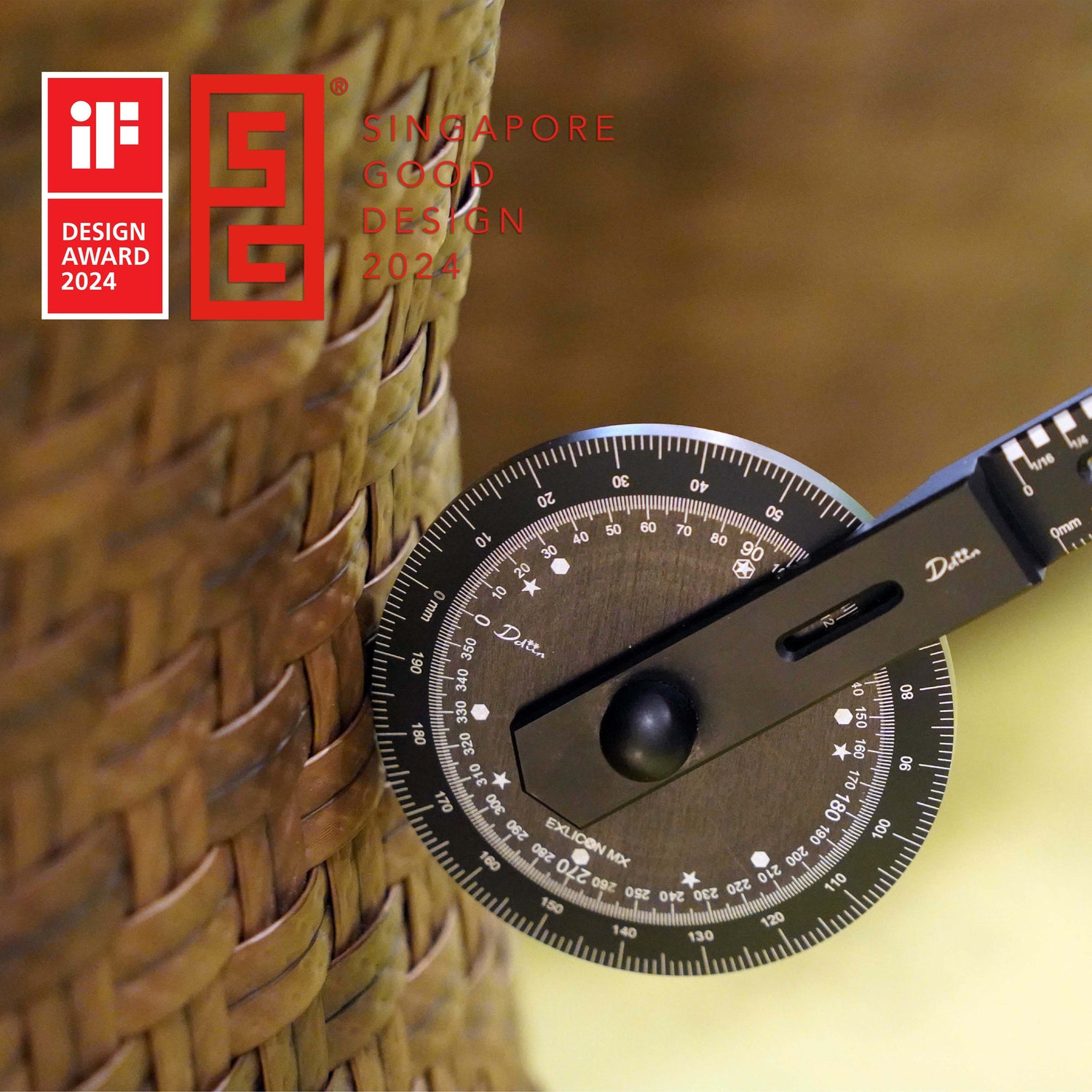
CNC-forged, the Exlicon MX’s sky-high precision makes it perfect for measuring angles, allowing this drawing tool for artists and creatives of all kinds to double up as a protractor.
The base piece of the upgraded Exlicon MX provides unrivalled stability making it easy for you to measure angles with unbeatable accuracy, without perforating the paper.


Thanks to high precision CNC-forged design, the Exlicon MX has precise laser-checked markings.


Gross Weight (Aluminium): ~ 285g
The size of box: 188mm(L)x139mm(W)x40mm(H)
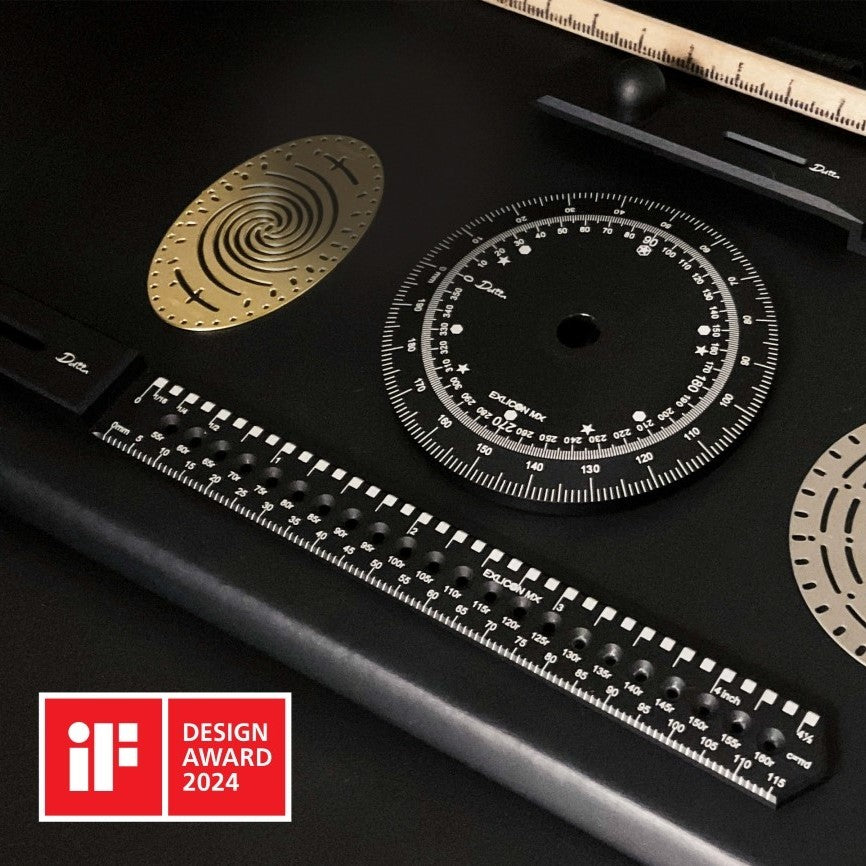
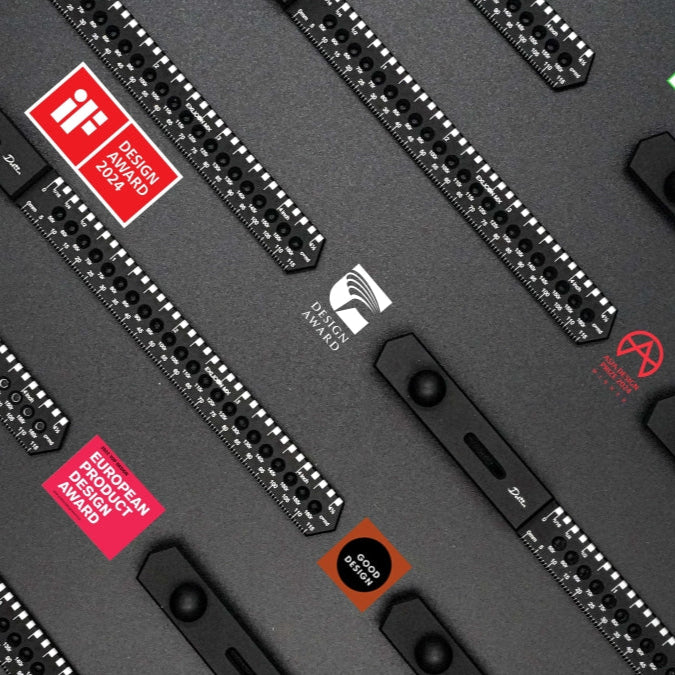
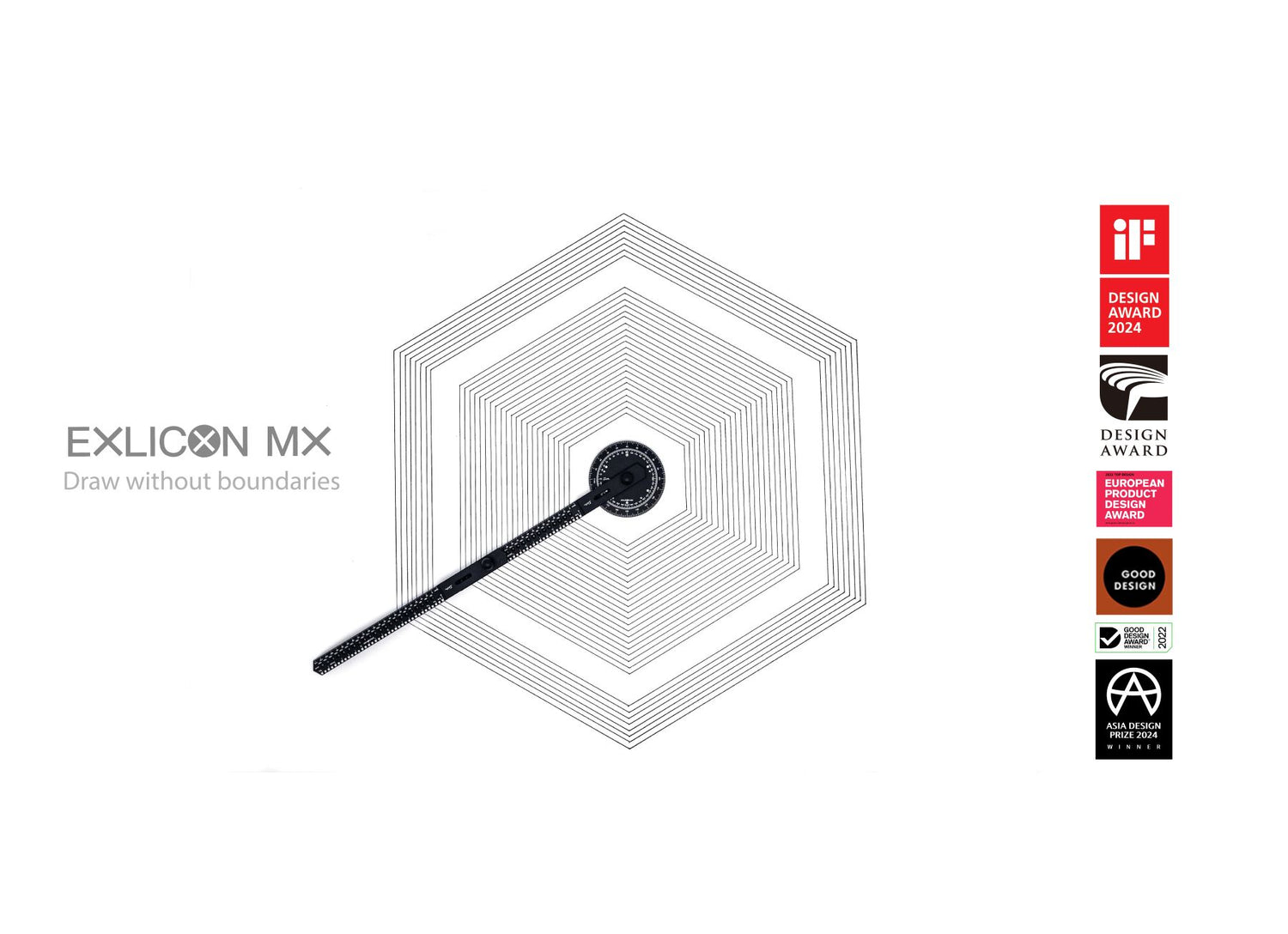
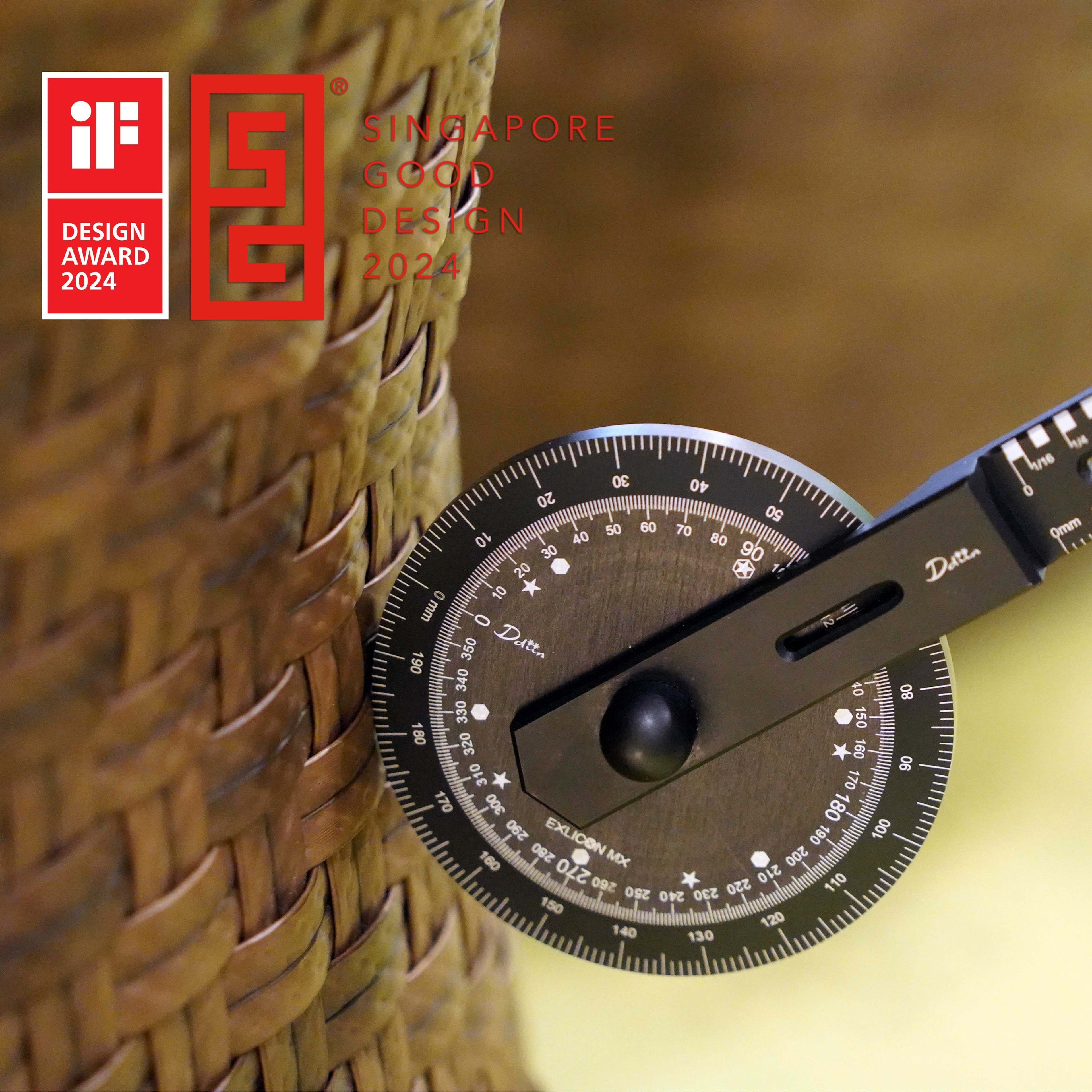
Awards speak for us